
Live control
Move through a tactile pad and feel intensity change beneath your finger in real time.
Create patterns, move with music, connect your favorite devices and share control with someone you trust.


Start with a ready-made pattern or shape every pulse yourself. MakeMeFeel keeps the controls simple and the experience yours.
Move through a tactile pad and feel intensity change beneath your finger in real time.

Play curated rhythms or let a track drive its own haptic layer.

Share or take control through a private invite, with clear roles and consent every time.

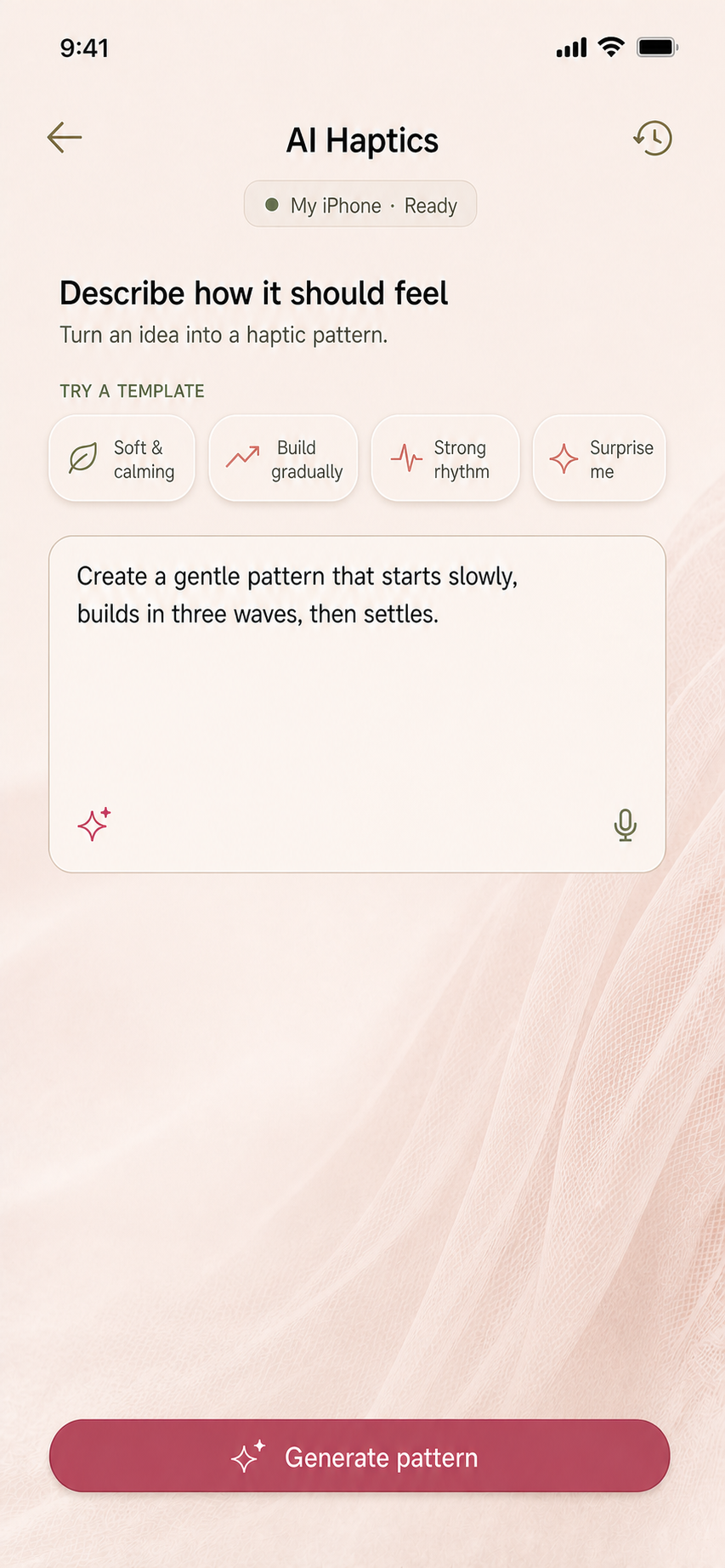
Describe how a moment should feel. AI turns the idea into a pattern you can preview, refine and save.
Start with your iPhone or connect a supported controller from one simple device manager.
Open the live pad, select a pattern, play music or describe a new feeling to AI.
Set limits, pause instantly and decide exactly when a partner session starts or ends.
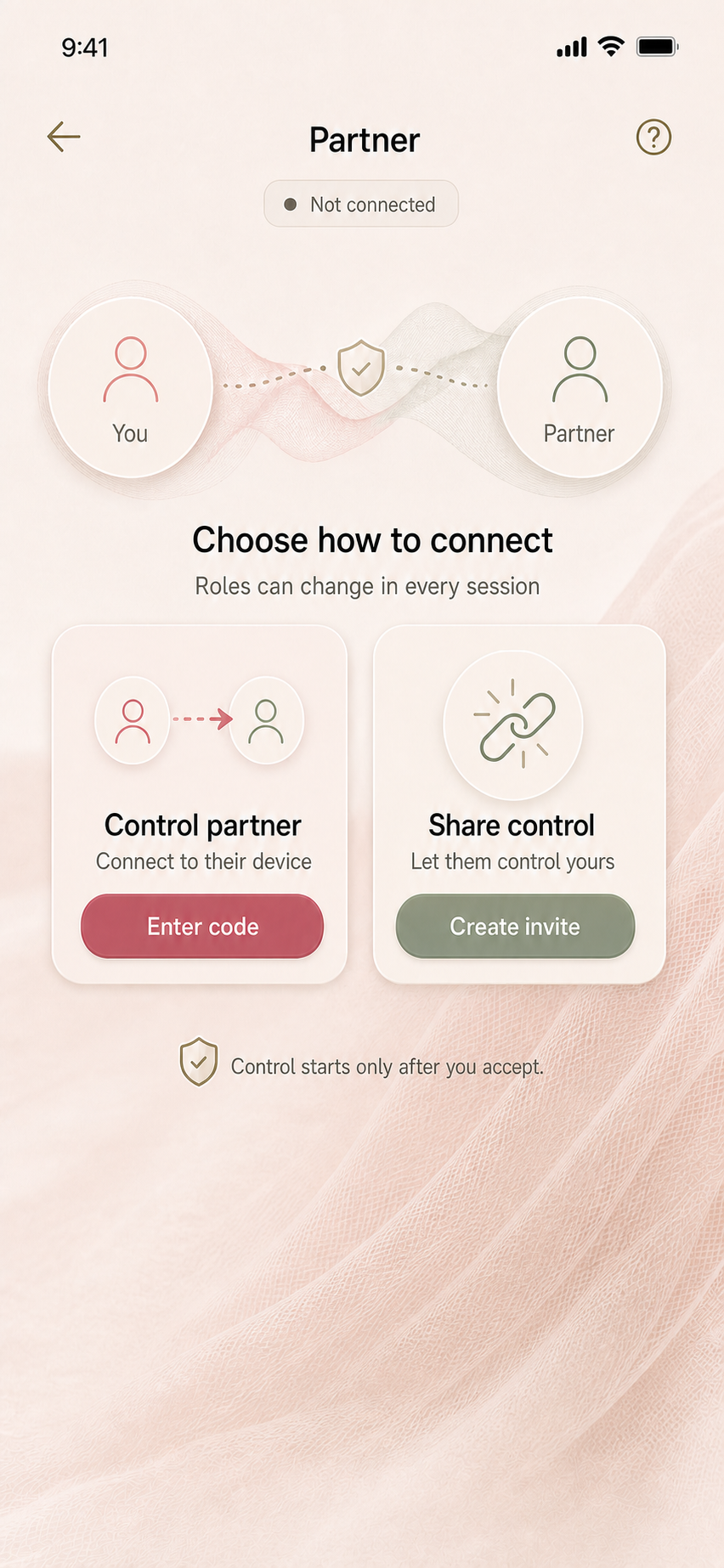
Each partner session begins with an invite and an explicit acceptance. Roles are visible, device access is limited and either person can stop the session.
Remote control should never remove control from the person holding the device. MakeMeFeel keeps limits and exit actions visible throughout the experience.
Always visible during live and partner control
Begin on iPhone. Replay the same patterns on supported PlayStation and Xbox controllers.



Join the first-release list and get a note when MakeMeFeel is ready.